




LiveTuning / RealTimeTuning / Online Tuning
Almost all MED17/EDC17 ECUs are supported, including TP2.0.
The application monitors file changes in a folder and uploads them to the engine control unit.
Requirements: J2534 Device + Windows Laptop. Tested with Tactrix Openport and Scanmatik.
Pricing:
- Regular cars (GTI, Abarth, etc.): €80 (excluding VAT)
- Sports cars (RS, AMG, QV, etc.): €120 (excluding VAT)
- When purchasing Multimap: €45 (excluding VAT) regardless of car model.
- PayPal payments: +6% fee.
Features:
LiveTuning: Enables change monitoring when pressed.
Back to Stock: Reverts all changes.
Protocols:
- Common: Most vehicles
- Extended CAN ID: Some vehicles
- Transport Protocol 2.0: Some VAG vehicles (e.g., MED17.5) Tactrix OpenPort recommended
Additional Functions:
- Identification: Reads software number, VIN, and CVN (if available).
- Read DTC: Reads fault codes using the general protocol.
- Clear DTC: Clears fault codes using the general protocol (engine must be off, ignition on).
How to Use
- Read the firmware in Bench or Boot Mode and send it to us for patching at LiveTuning@tuninghost.com.
- After payment, we will send you a patched file that must be written once in Bench or Boot Mode.
- Open the TuningHost Windows application, click the Original button, and select the file currently written in the ECU.
- Make a copy of this file, modify it (checksum calculation is not required), click the Modified button, and select it.
- Turn on the ignition or start the engine and click LiveTuning to start monitoring changes to the Modified file.
- Every time you make changes to the file, the application will automatically upload them to the ECU.
- If you want to stop monitoring changes but keep the applied modifications, press LiveTuning again.
- If you want to reset all modifications, press Back to Stock.
Limitations
- After turning off the ignition, all changes will be reset.
- Some codeword modifications (e.g., DPF switch-off) will have no effect because they are only used once during the ECU operating system boot.
- The number of possible modifications depends on the processor model.
- Even with TC1766, you can test dozens of maps and values.
- TC1793 has virtually no limitations.
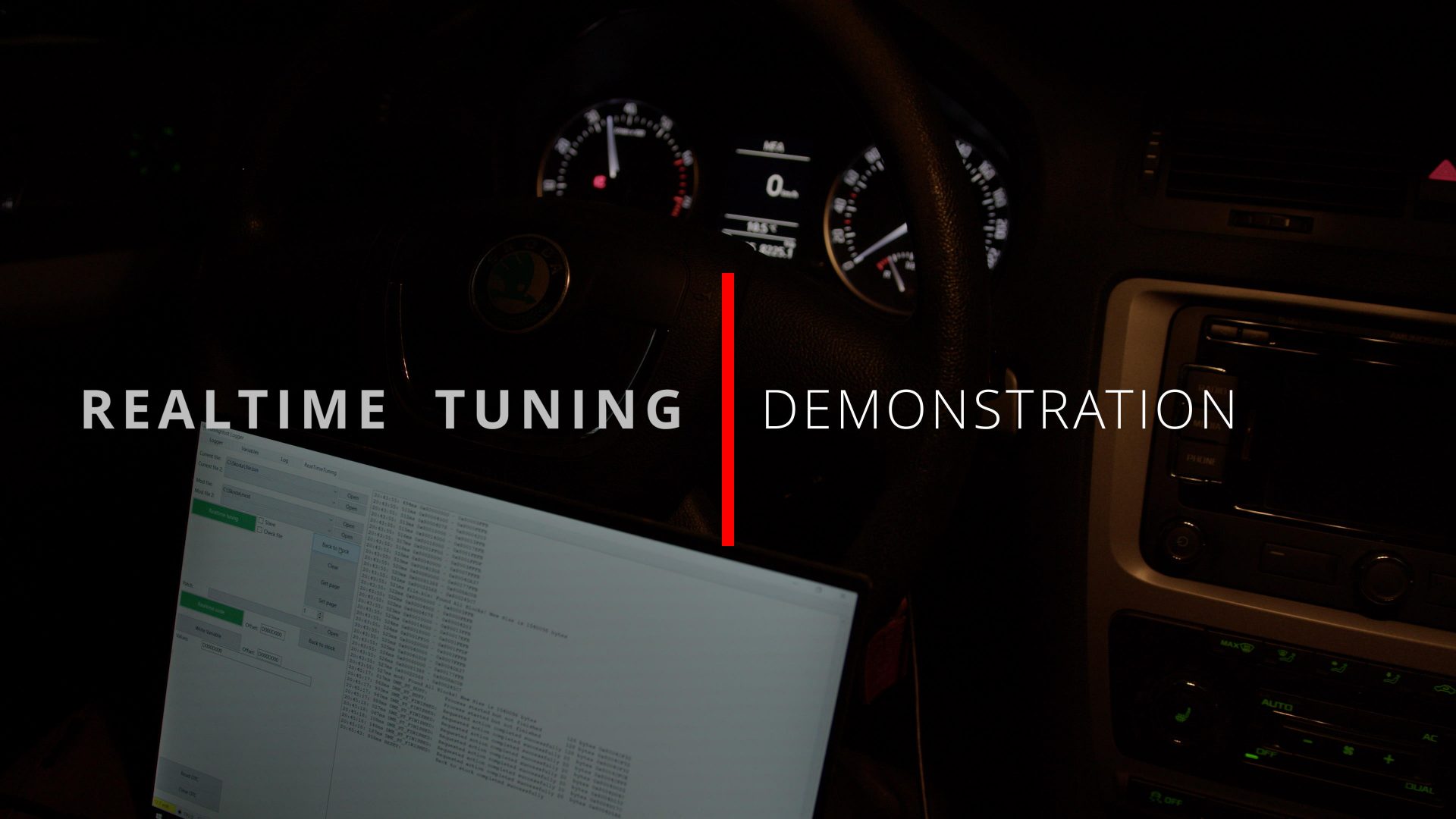
These days, we don’t have to flash the ECU every time we edit the firmware. With RealTimeTuning we can change the calibration data on the fly while logging! It only takes a couple of seconds.
In the video above, we have limited the maximum RPM, just to show how it works.
When RealTimeTuning is enabled, all we need to do is only edit the file in our TH Editor and all changes will be transferred to the ECU in a second. No more waiting 10-20 minutes for the reflash to complete!
Why do I need it?
You are probably asking yourself this question. It seems that RealTimeTuning is only needed by us (Tuners). But if we want to make the perfect tune, we need to reflash ECU many times. Not every tuner will be ready to spend days working on your car. With RTT, we need several hours to make a really good tune from scratch.
